What Is Universal Manifest?
The problem
Section titled “The problem”When systems need to share data about a user, device, or application, they usually invent a custom data format every time. Each new connection between two systems means another custom format to build, test, and maintain. These one-off formats are fragile and expensive to keep working as either system changes.
What Universal Manifest is
Section titled “What Universal Manifest is”Universal Manifest (UM) is a portable document format that solves this problem.
Instead of building a custom format for every pair of systems, you use one standard JSON document — a manifest — that can carry identity references, permissions, data links, and optional named data sections between any combination of apps, devices, and services.
UM builds on existing standards like JSON-LD and W3C Verifiable Credentials patterns rather than inventing everything from scratch.
Who it is for
Section titled “Who it is for”- Implementers building apps, devices, or services that need to pass user or device data between systems reliably.
- Evaluators reviewing whether this standard is practical to adopt in their stack.
- Operators who need systems that work offline using cached data and that can look up manifests through a consistent, predictable service.
What you get with UM
Section titled “What you get with UM”A Universal Manifest gives you:
- A standard container format with fixed header fields (
@id,subject,issuedAt/expiresAt) that can carry different kinds of payload data inside. Think of it as an envelope: the outside is always the same shape, but the contents vary by use case. - A validity window (sometimes called TTL, or time-to-live):
issuedAtandexpiresAttimestamps that tell consumers when the manifest was created and when it expires. Systems must reject expired manifests. - Shards — optional, named sections within a manifest that group related data. For example, one manifest might include a
publicProfileshard and adeviceRegistrationshard. You include only the shards relevant to your use case. - Pointers — URL references to data stored at its authoritative source. Instead of copying data into the manifest, you link to where it lives (for example, a user profile on their home server).
- Forward compatibility: consumers must safely ignore fields they do not recognize, so you can add new features without breaking existing implementations.
- Publishable, versioned spec files: for example, the v0.1 JSON-LD vocabulary that defines what fields mean.
- Manifest lookup by ID: any manifest can be fetched by its UMID (Universal Manifest Identifier) through a resolver — a web service at
myum.net/{UMID}that returns the manifest for a given ID.
Current integration targets
Section titled “Current integration targets”UM is being integrated with several types of systems:
- Metaverse and virtual-world applications
- 3D/spatial computing platforms
- Smart-glasses AR consent and profile-disclosure controls
These are integration guidance for specific use cases, not additional requirements imposed by the spec. See the Integrations section for details.
High-level flow
Section titled “High-level flow”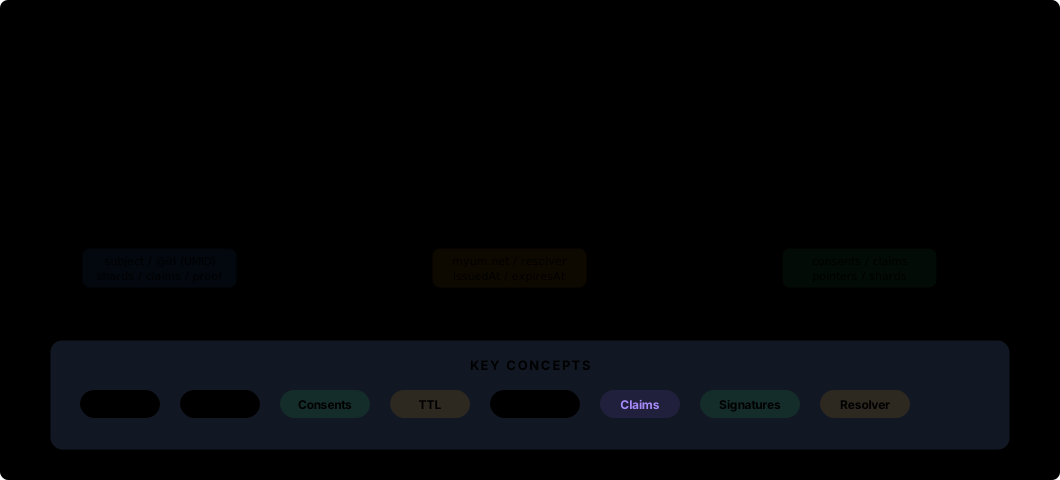
Integration overview (animated diagram)
Section titled “Integration overview (animated diagram)”
Diagram assets used above:
How to start (minimum path)
Section titled “How to start (minimum path)”- Learn the core concepts: Read Getting Started -> Concepts to understand the five key ideas (UMID, TTL (time-to-live validity window), unknown-field tolerance, shards (named data sections), and pointers).
- Build a minimal consumer: Implement the v0.1 minimum validations — check required fields, reject expired manifests, and ignore unknown fields. See Conformance -> v0.1 for the full checklist.
- Test with examples: Validate your implementation against the test examples (fixtures) and the conformance page.
- Run end-to-end tests: Use proof journeys to verify that your implementation works against real data, and run endpoint smoke tests (verify that published URLs respond correctly).
- Create and edit manifests: Use the Manifest Workbench — a browser-based tool for creating, editing, and validating manifests.
- Go to production: Learn how to host and version your manifest files by reading the Publishing section, including how to set up a resolver (the service that looks up manifests by UMID).
Next pages
Section titled “Next pages”- Getting Started -> Quick Start
- Getting Started -> Manifest Workbench
- Specification -> v0.1
- Conformance -> v0.1
- Proof -> Journeys